Token provisioning
Create a dedicated Agentic OS API token for each agent workspace, environment, or customer-facing workflow. A named API token is easier to rotate, revoke, and trace than a shared upstream secret.
KXO helps teams create an Agentic OS API token, connect it to managed model routing, and keep quota, ownership, and revocation decisions visible before agents reach production.
Create Agentic OS API tokenCapabilities
Create a dedicated Agentic OS API token for each agent workspace, environment, or customer-facing workflow. A named API token is easier to rotate, revoke, and trace than a shared upstream secret.
Keep a stable Agentic OS API token in the agent while KXO manages routing behind it. Teams can point a workflow at Claude, OpenAI-compatible models, or backup groups without changing agent code.
Set clear usage expectations before agents run overnight. The Agentic OS API token becomes an operational boundary with spend visibility, quota context, and fewer surprise costs.
Workflow
KXO turns Agentic OS API token setup into a repeatable workflow, so teams do not have to hand secrets around or rebuild relay policy for every experiment.
Start with the agent, environment, and business purpose. KXO turns that context into an Agentic OS API token record instead of a loose key pasted into a config file.
Create the Agentic OS API token from the console, copy it once, and connect it to the agent runtime. The credential is scoped to a clear operational purpose from the start.
Use the same Agentic OS API token while the backend relay handles model groups, quota, and fallback behavior. Teams can review usage without changing the agent.
When an agent moves from prototype to production, issue a cleaner token, retire the old Agentic OS API token, and keep the access history understandable for operators.
Agentic OS landscape
The Agentic OS stack is bigger than a credential. KXO maps the model routes, agent runtimes, tool protocols, memory systems, governance controls, and delivery surfaces that a production token has to coordinate.

A broad map of the layers around KXO: access, models, runtimes, tools, memory, operations, and delivery.
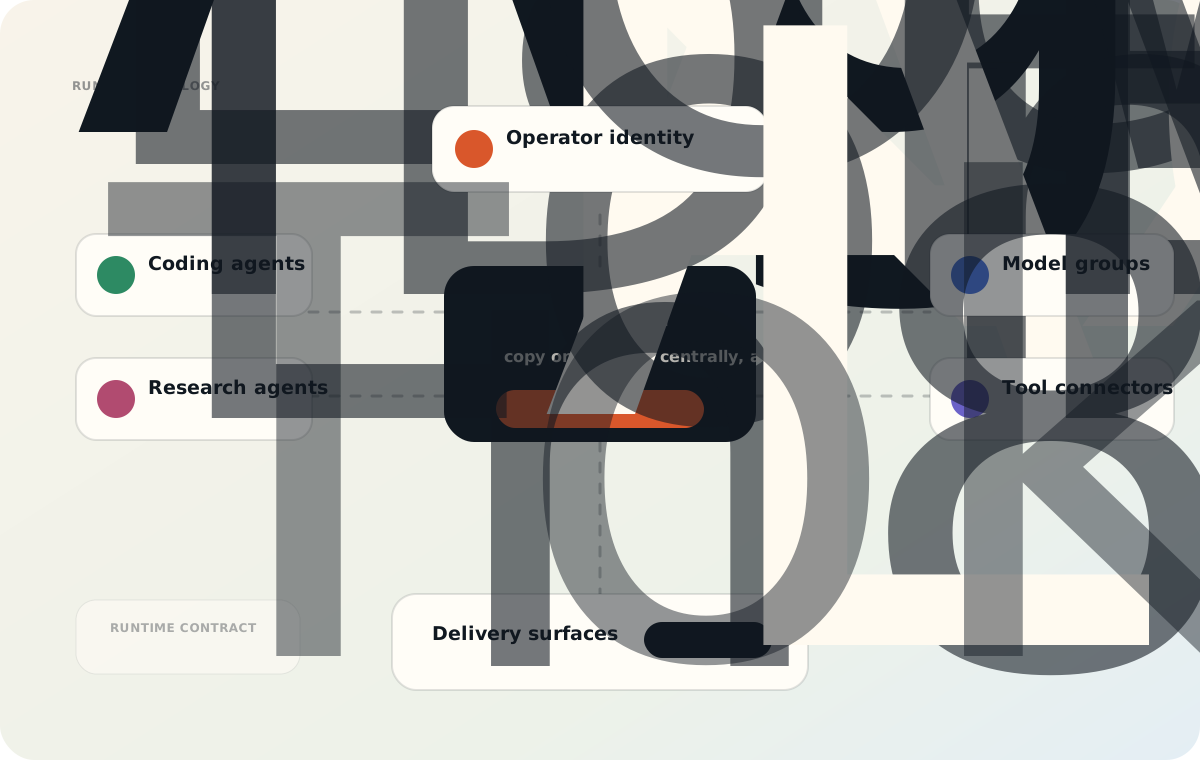
A topology view for coding agents, research agents, browser agents, and automations that need stable model access.

A control-plane view of ownership, quota, routing, observability, billing review, audit, and revocation.
API Token Console
Create an Agentic OS API token once, then use the KXO console to keep model access, spend limits, and operational ownership clear for every agent workspace.
Agentic OS API token
Runtime token
Runtime token
sk-kxo-agentic-os-••••-••••-runtime
01
Create an Agentic OS API token for a product, agent, or environment so ownership is clear later.
02
Bind the Agentic OS API token to the model group that should serve this workload.
03
Watch quota and token activity before a small prototype becomes a production agent.
06 / Capabilities
Create a dedicated Agentic OS API token for each agent workspace, environment, or customer-facing workflow. A named API token is easier to rotate, revoke, and trace than a shared upstream secret.
Keep a stable Agentic OS API token in the agent while KXO manages routing behind it. Teams can point a workflow at Claude, OpenAI-compatible models, or backup groups without changing agent code.
Set clear usage expectations before agents run overnight. The Agentic OS API token becomes an operational boundary with spend visibility, quota context, and fewer surprise costs.
Every Agentic OS API token should have an owner and a purpose. KXO makes that purpose visible so product, engineering, and operations teams can review access without searching through private notes.
Agentic OS systems need reliable model access even when upstream choices change. KXO lets teams preserve the token surface while adjusting relay behavior behind the scenes.
For internal tools, coding agents, and automation workflows, an Agentic OS API token should leave a clear trail: who created it, what it serves, and when it should be replaced.
Teams use KXO when an Agentic OS API token has to support real work: coding agents, research agents, workflow automations, and internal tools that need reliable model access.
01
Give coding agents one Agentic OS API token for model calls, then manage quota and routing centrally as projects move from local development to production automation.
02
Research agents often need longer sessions and reliable model access. KXO keeps the API token stable while giving teams room to adjust model groups and usage limits.
03
Operations teams can issue a dedicated API token for recurring automations, monitor spend, and revoke access when a workflow is retired or handed to another owner.
04
When customer-facing agent features depend on model access, an Agentic OS API token gives the product team a cleaner way to separate environments and review cost.
An Agentic OS API token should be usable by an agent but governed by people. KXO keeps credential creation, copy-once visibility, quota context, and revocation inside the account workflow.
For teams, the access model stays practical: login, billing, API token creation, routing policy, usage review, and support are organized around controlled agent operations.
FAQ
Practical answers for Agentic OS API token setup, routing, quota, and secure API token operations.
KXO provides API token management, billing-aware access, and relay-ready model routing for Agentic OS teams.